Compare the Best Apps for Crypto Trading Before You Choose One
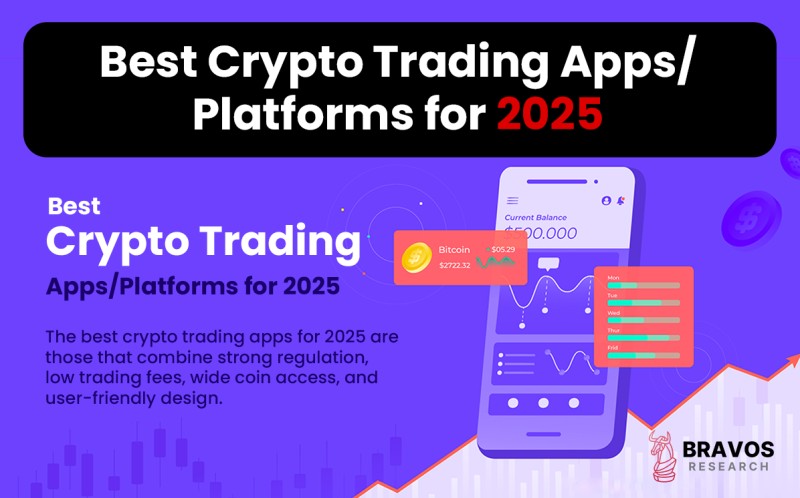
Choosing a Crypto Trading App Starts With Your Goals
Picking the right crypto trading app isn't a popularity contest. I learned this the hard way, chasing shiny interfaces and big marketing budgets while my actual trading needs got lost. The strongest platforms put their weight in different places-some lean into lower fees, others into wider coin access, easier mobile trading, or rock-solid security. What matters is matching the app to how you actually trade, not what it advertises loudest. The collapses of FTX and Voyager in the past decade made one thing crystal clear: regulation and proof-of-reserves audits matter, even if they feel like boring fine print until they matter.
There are apps built for buying Bitcoin on your lunch break, and there are platforms where pros hunt for millisecond advantages. Some treat crypto like a stock portfolio. Others expect you to keep your own keys. The best apps for cryptocurrency trading won't all look the same-and that's the whole point.

MoneyZG Ranks Top Apps With Bonuses and Fees
Regulation, Custody, and Why They Actually Matter
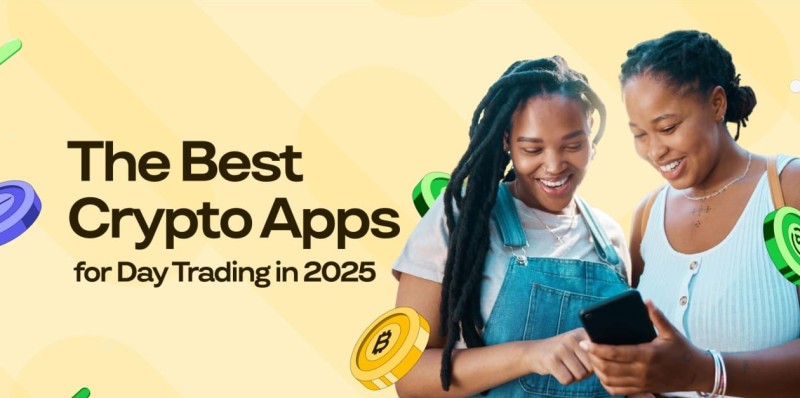
Regulatory compliance isn't a checkbox. It's your safety net. U.S.-regulated exchanges like Coinbase and Kraken operate under oversight that, in theory, forces them to act like proper financial institutions instead of crypto-casinos. But licensing jurisdiction matters-availability and product access shift depending on where you live. Robinhood covers USD holdings with SIPC insurance, Coinbase has FDIC backing for eligible cash balances, and Gemini does too. Don't confuse these protections though-they apply to fiat, not crypto. Your Bitcoin isn't covered by FDIC if the app goes under.
Security isn't abstract. Proof-of-reserves reports, cold storage, insurance funds, two-factor authentication, and withdrawal allowlists matter whether you're a casual buyer or a whale. Kraken's cold-storage facilities run 24/7 armed surveillance. Binance.US runs the SAFU fund. Coinbase keeps 98% of user funds offline. But none of these shields matter unless you secure your own login.
Security features worth checking
- Proof-of-reserves audits or reserve attestations
- Cold storage for most customer funds
- FDIC insurance on cash balances (not crypto)
- Two-factor authentication (ideally app or hardware key)
- Withdrawal allowlists and account recovery tools
- History of hacks, outages, and regulatory fines
Fees That Eat Your Returns
Fees are where apps reveal their true colors. Maker-and-taker schedules are predictable-0.16% maker, 0.26% taker at Kraken, for instance. Instant-buy spreads vary wildly: Coinbase charges 1%-2%, Cash App hovers around 1.75%, and PayPal sits near 1.5%. One platform might brag "zero commission," but check the fine print-those hidden spreads, routing fees, or swap markups hit your bottom line. A 1.5% spread on high-volume trading can cost thousands annually. For frequent traders, that difference between 0.10% and 0.60% in fees is real money.
The best crypto trade app for a beginner costs nothing if you don't know what you're doing-but the fees can teach you fast.
Mobile Experience: Don't Let a Clunky Interface Cost You
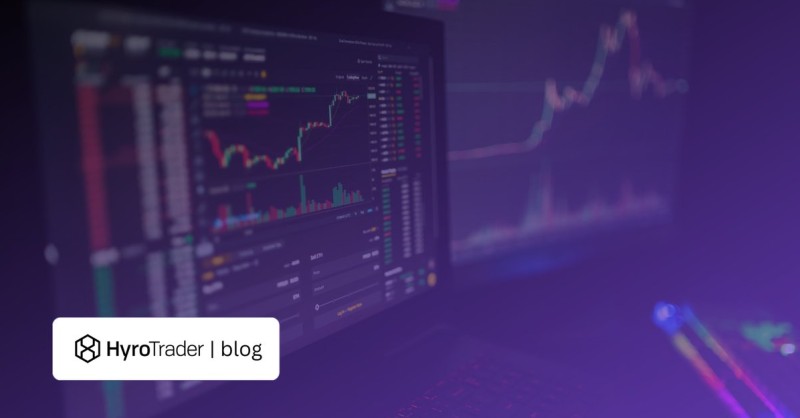
A smooth mobile experience matters because most of us trade on phones, not desktops. Easy KYC, biometric login, real-time alerts, and intuitive order entry are table stakes. Active traders need more: advanced order types, charting, stop-losses, trailing stops, and API access. Robinhood's strength is simplicity-fractional purchases, familiar UI, everything in one app. Kraken Pro and Coinbase Advanced cater to users who want professional-grade tools without switching platforms. But clunky doesn't just frustrate-it causes errors, missed trades, and failed withdrawals.
Mobile features that actually matter
- Biometric login (Face ID, fingerprint)
- Real-time price alerts and notifications
- Intuitive order-entry flow
- Portfolio balance snapshot
- Advanced charting for active traders
- API access or multi-exchange support
Asset Coverage: How Many Coins Do You Actually Need?
More isn't always better. Coinbase lists hundreds of assets; Binance.US supports around 150; Bitcoin-only apps like Swan keep it simple. Beginners buying small amounts of Bitcoin usually don't need 300 altcoins. Altcoin hunters want high liquidity, broad fiat support, and deep order books. Decentralized traders care about multichain compatibility-Ethereum, Solana, BNB Chain. Match your needs: If you're chasing meme coins, a platform with limited selection hurts. If you're a disciplined long-term holder, fewer distractions help.
A trader with a clear strategy buys Bitcoin once a month. A distracted trader checks seventeen apps daily and still loses money.
Ryan Scribner Reviews Seven US-Friendly Platforms
Regional Picks: Not Every App Works Where You Live
Local matters. In Nigeria, Busha's licensed by the country's Securities and Exchange Commission and supports local payment rails. P2P options like CoinCola let users buy USDT via bank transfers or mobile money across Africa, Canada, and beyond. These aren't global titans-they're built for specific markets. Trust Wallet dominates globally for non-custodial wallets, while imToken thrives in Southeast Asia with strong local-language support. If you're outside the U.S., U.S.-centric apps might frustrate you with limited fiat options or unavailable services.
Busha lets Nigerian users fund wallets with local payments, withdraw to bank accounts, and spend crypto via Busha Spend. Stablecoin yields go up to 7.5%-enough to make you rethink traditional savings. But remember: local licensing cuts both ways. Busha's SEC Nigeria license gives confidence, but that protection disappears if you leave the country.
Centralized vs Decentralized: Your Keys, Your Choice
Here's where most people mess up. Do you want to hold your own keys or let the app handle custody? Custodial platforms like Coinbase, Kraken, and Robinhood make it easy-you log in with email/password, they hold your crypto. Lose your password? Support helps. Get hacked? Insurance might cover it. But they're also custodians, so they can freeze accounts, comply with subpoenas, or fail spectacularly.
Decentralized exchanges (DEXs) flip this. Mobile DEX apps connect self-custodial wallets directly to protocols like Uniswap or Jupiter. You keep your keys, interact with smart contracts, and nobody holds your money. But that freedom comes with responsibility-if you lose your seed phrase, your crypto is gone. Forever.
Custodial vs Non-Custodial Trade-offs
- Custodial apps: Easy access, customer support, insurance on cash-but you trust the platform with custody
- DEX apps: Keep your keys, access DeFi/NFTs, lower fees on Layer 2-but no recovery if you lose your wallet
- Hybrid approach: Trade small amounts on custodial apps, move large balances to hardware wallets
Top Apps Compared: Who Fits Which Trader?
Let's cut through the noise. The top rated crypto exchanges aren't ranked by marketing spend. They're ranked by how well they serve specific use cases. Coinbase suits first-time U.S. investors who want compliance and education. Kraken targets pros needing advanced tools and deep liquidity. Binance.US aims at cost-conscious traders with 0% maker fees on some pairs. And yes, Robinhood works if you want crypto alongside stocks in one app-even if spreads sit higher.
But here's the catch: Fees, withdrawal limits, and available assets shift by exchange and interface. Coinbase's Advanced Trade charges 0.40% maker fees, while standard trades use spread-based pricing around 1.5%. Kraken Pro lists maker fees from 0% to 0.25%. These aren't typos-they reflect different tiers, trading volumes, and interfaces. Don't assume one size fits all.
DEX Apps: When You Actually Own Your Wallet
Mobile DEX apps evolved from wallet apps into full trading platforms since 2021. Major players like Trust Wallet, Uniswap Wallet, and 1inch focus on multichain access across Ethereum, Solana, and Polygon. These apps connect your self-custodial wallet directly to protocols-no deposits, no KYC, just swaps. TradingView charts, price alerts, and token approvals happen inside the app, but remember: you're responsible for gas fees, smart-contract risks, and recovery.
Swaps confirm in seconds on Solana-but on Ethereum, gas wars can eat your lunch before you even see the trade.
Setting up a DEX wallet? Download the app from official stores (Apple/Google Play), enable biometrics, and verify it's a legit android crypto app . Record your 12-word seed phrase offline-never save it digitally. Test with $10 before moving real money. And always check token contract addresses on Etherscan or blockchain explorers. Fake tokens are everywhere, with names like "Solana" spelled "SolanaOfficial123."
Hardware Wallets: Where Serious Traders Park Big Balances
Trading apps are great for active trading. Hardware wallets handle long-term storage. Ledger Nano X and Trezor Model T store private keys offline, requiring physical approval for transactions. These aren't just gadgets-they're vaults. If malware infects your phone or computer, offline keys remain untouched. Some advanced users run 2-of-3 multisig setups (requiring two separate keys) or split their recovery phrases across metal backups buried in different locations.
Hardware wallet security basics
- Store your 24-word recovery phrase offline on paper or metal
- Never save seed phrases in cloud documents or screenshots
- Test backups before moving large balances
- Use hardware wallets for amounts exceeding $1,000
- Keep $10-$20 worth of TRX for TRC20 transfer gas fees
Two-Factor Authentication: Lock Your Accounts Properly
Two-factor authentication (2FA) means password plus a second factor. Authenticator apps like Google Authenticator and Authy beat SMS codes because SIM-swapping attacks can hijack your phone number. Hardware keys like YubiKey provide even stronger protection-major exchanges like Coinbase and Binance support FIDO2 security keys. But don't overdo it: if you lose your YubiKey, having a backup method matters.
The average app user loses money not to hackers, but to phishing links that look identical to the real website.
Beyond 2FA, lock down your email account (linked to every exchange), use unique passwords stored in managers like Bitwarden or 1Password, and verify URLs before logging in. Treat every crypto-related link as suspect-it probably is. Bookmark your exchange's login page instead of clicking email links.
Five Beginner Apps With Referral Codes Listed
Trading Bots: Let Algorithms Handle Repetitive Work
Automation isn't cheating-it's efficiency. Platforms like 3Commas, Cryptohopper, and TradeSanta help configure grid bots, dollar-cost averaging, and conditional strategies. Set a bot to buy when RSI drops below 30, sell when it crosses above 70, and watch it run 24/7 without emotion. But bots amplify both gains and losses. A poorly configured bot in a sideways market can bleed you dry. Treat bots like assistants, not replacements for thinking.
Popular trading automation platforms
- 3Commas: Grid bots, DCA bots, multi-exchange support
- Cryptohopper: Strategy marketplace, custom bot logic
- TradeSanta: Preset bots for intermediate traders
- Coinigy: TradingView charts plus multi-exchange execution
Technical Analysis: Charts Don't Lie (But They Mislead)
Charts matter because they reveal patterns your gut misses. TradingView dominates with 100+ indicators, Pine Script customization, and community-shared strategies. Free versions cover basics like RSI and MACD. Paid plans unlock advanced timeframes, real-time alerts, and backtesting. Coinigy combines TradingView's charts with trade execution across 45+ exchanges. But remember: no indicator predicts everything. Even the most sophisticated bot relies on liquidity, fees, and market conditions you can't code away.
USDT TRC20: Stablecoin Basics for Global Users
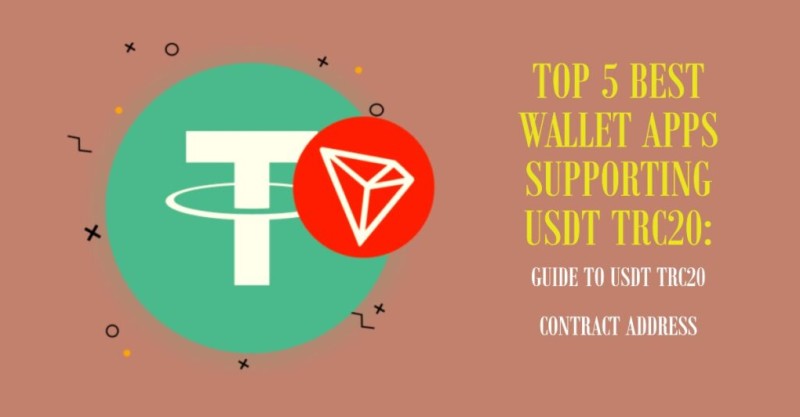
USDT on TRC20 (TRON blockchain) beats Ethereum for cheap transfers. Fees hover around $0.50-$1, confirmation takes 1-3 minutes, and it handles billions in daily P2P volume. Trust Wallet leads for beginners with native TRON support and 100+ chain integration. TronLink suits active TRON users wanting staking and bandwidth management. Always verify the contract address: TR7NHqjeKQxGTCi8q8ZY4pL8otSzgjLj6t on TRONScan.
An incorrect USDT contract address almost certainly means a scam. Verify everything twice.
Top TRC20 wallets compared
- Trust Wallet: Best overall, 100+ chains, beginner-friendly
- TronLink: Official TRON wallet, staking support
- OKX Wallet: 80+ chains, cross-chain bridge
- Bybit Web3: Direct exchange integration
- imToken: Strong in Asia, 30+ chains
Tax Reporting: Your Exchange Won't Do It For You
Buying crypto doesn't trigger taxes-selling, swapping, or spending does. Record purchase dates, cost basis, fair market values, and disposal proceeds. CoinTracker tracks activity across exchanges, auto-calculates gains, and generates reports-but you're still responsible for accuracy. Transfers between your own wallets aren't taxable events, but document them anyway. Rules vary globally; consult a tax pro who understands crypto.
Exchange apps make buying easy, but they rarely simplify tax compliance. Even Coinbase's built-in tax reports miss transfers, staking rewards, or DeFi income. Keep spreadsheets or use dedicated tools-audits aren't getting easier.
Regional Platforms: Local Rails Matter
Global giants dominate headlines, but regional apps serve real needs. Busha targets Nigeria with SEC licensing, local payments, and naira support. Its stablecoin savings yield up to 7.5% annually-a compelling alternative to local banking. CoinCola's P2P model enables USDT trading via mobile money and gift cards across Africa and Canada. These platforms aren't perfect-they introduce counterparty and platform risks. But for users without access to Western banking, they're lifelines.
Trust Wallet functions, but if you're managing serious TRC20 balances, an offline hardware wallet beats phone-based storage.
Final Thoughts: The Best App Is the One You Understand
The "best apps for crypto trading" depend entirely on your situation. Beginners gravitate to Coinbase or Robinhood for simplicity. Active traders prefer Kraken Pro or Binance.US for tools and low fees. Self-custody fans gravitate to Trust Wallet or hardware wallets. But no app replaces learning. Start small, test frequently, and never invest more than you can afford to lose. The goal isn't to find perfection-it's to find something that works well enough to get started.
And remember: the fanciest app on this list won't protect you from bad decisions. Focus on security hygiene, fee awareness, and understanding what you're trading. The best trading apps for cryptocurrency will change as features evolve-but these fundamentals stay constant.

Comments on “Compare the Best Apps for Crypto Trading Before You Choose One”
No comments yet. Be the first to share your thoughts.